

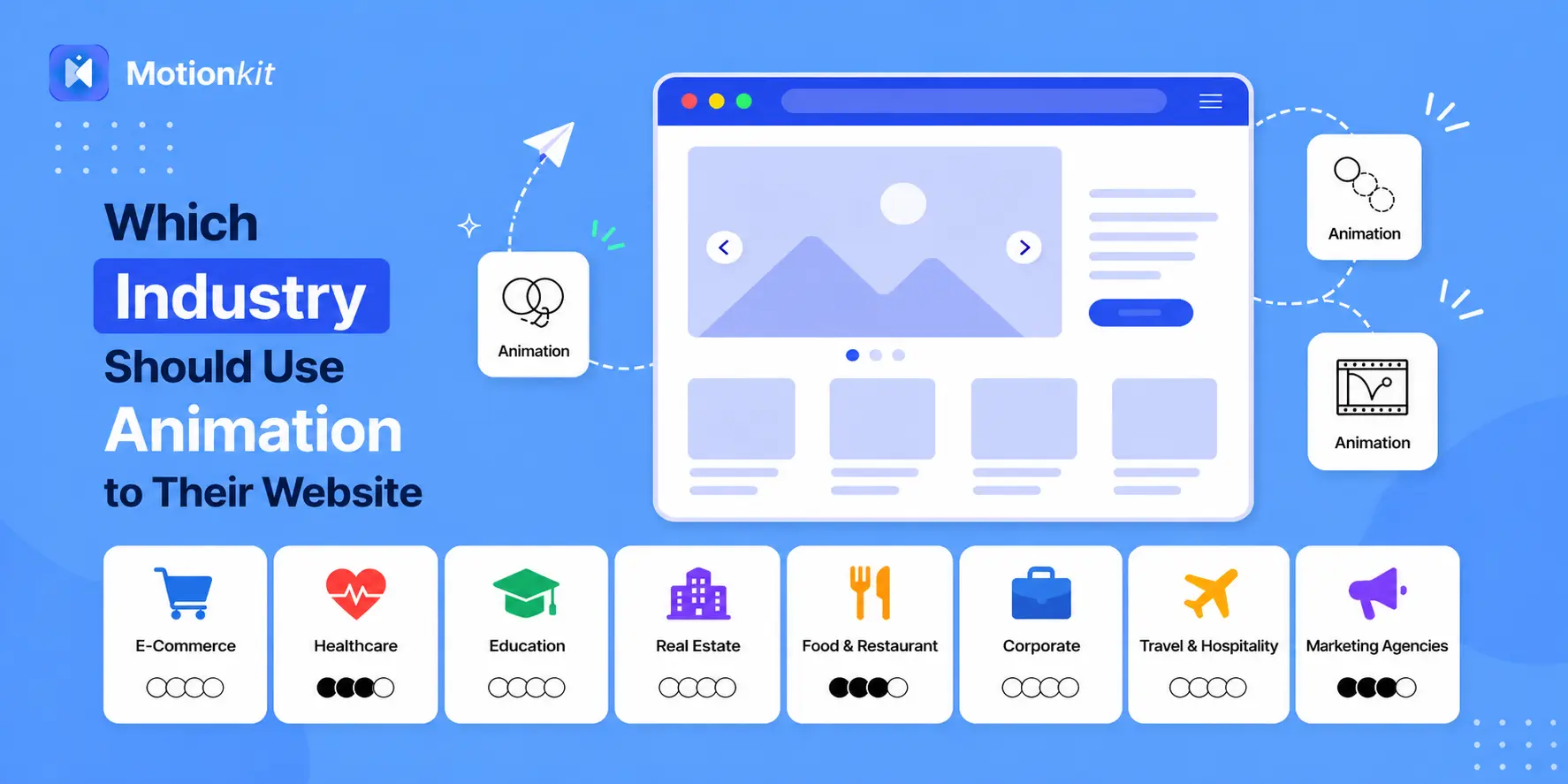
You have probably landed on a website and immediately felt something. The page felt alive, things moved as you scrolled, and a button reacted when you hovered over it. You stayed a little longer than you planned.
That’s the quiet power of website animation.
But here’s a question a lot of business owners ask: “Is animation actually right for my kind of website?” It’s a fair question. Not every website looks the same, and not every business has the same audience or goals.
The good news? Animation is more flexible than most people think. It isn’t just for creative agencies or tech startups. From online stores to healthcare providers, and from schools to restaurants. Almost any type of business can use motion to make their website more interesting, helpful, and convincing.
Let’s look at which industries get the most out of website animation and why.
What Is Website Animation?
Website animation is any movement on a webpage that helps users interact with content more easily. It is not about flashy effects, but small, purposeful actions like text appearing on scroll, buttons reacting on hover, or elements sliding into view.
These subtle animations guide attention, make content easier to follow, and create a smoother experience. While users may not always notice them directly, they play a key role in making a website feel modern, responsive, and more engaging to explore.
Which Industries Benefit Most from Website Animation
Website animation is not limited to one type of business. It works across many industries by improving how information is presented and how users connect with a brand.
Here are the industries where animation delivers the most value, and the exact ways it is used in each case.
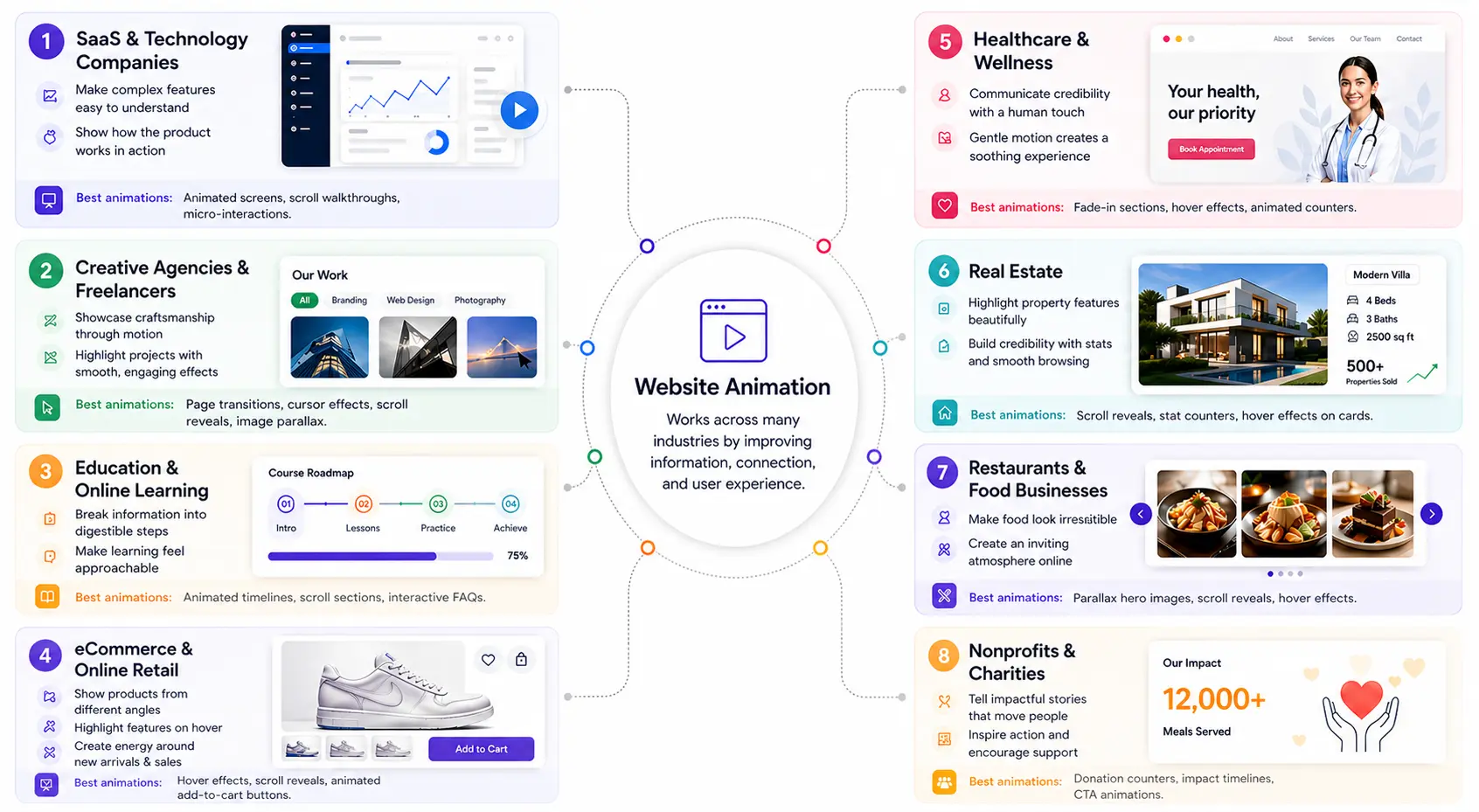
1. SaaS and Technology Companies
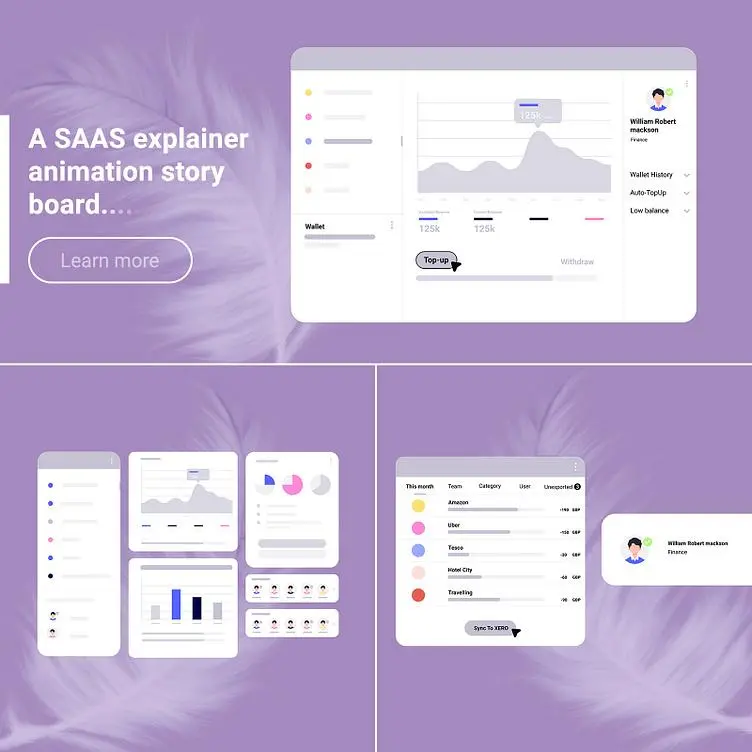
Software can be hard to explain. You cannot always show a full demo quickly, but you can use animation to show how it works.
Tech companies use animation to make complex features easy to understand. Instead of reading long text, people can see the product in action. This makes it feel more real and easier to learn.
Best animations to use: Animated product screens, scroll-based feature walkthroughs, micro-interactions on dashboard demos.
2. Creative Agencies and Freelancers
For designers, photographers, videographers, and creative professionals, the website itself is part of the portfolio. It needs to show, not just tell, what you are capable of.
Animation adds a level of detail that shows skill right away. A portfolio site with smooth page transitions and subtle scroll effects tells potential clients that this person pays attention to detail.
This is especially powerful when presenting a single product landing page, where every interaction and transition reflects the quality of the work.
It becomes a living example of the experience they can create for clients.
Best animations to use: Page transitions, cursor effects, scroll-triggered case study reveals, image parallax.
3. Education and Online Learning
Educational websites often include a lot of information, such as course listings, lesson structures, testimonials, and pricing tiers. Without a clear visual flow, all of this content can feel overwhelming.
Animation helps break information into simple steps. A timeline that builds as you scroll, icons that appear one by one, and a progress bar that fills in all make learning feel easier and more friendly.
Best animations to use: Animated timelines, scroll-triggered content sections, interactive FAQ sections.
4. eCommerce and Online Retail
Online stores compete on experience just as much as price. Since visitors cannot touch or try a product in person, the website needs to make the product feel real and appealing.
Animation helps by showing products from different angles, revealing features on hover, and creating a sense of energy around new arrivals or sales. A scroll animation that reveals product benefits one by one can communicate more than a paragraph of text ever could.
Best animations to use: Hover effects on product images, scroll-triggered feature reveals, and animated add-to-cart buttons.
5. Healthcare and Wellness
Healthcare websites need to do something tricky: communicate credibility while still feeling warm and approachable. A sterile, static website can feel cold. Gentle animations make it feel more human.
Think of a wellness clinic that uses a slow fade-in hero section with calming visuals, or a healthcare provider whose team section slides in softly as you scroll. These small touches make the experience feel personal rather than clinical.
Best animations to use: Gentle fade-in sections, soft hover effects on team cards, animated stat counters.
6. Real Estate
Buying property is one of the biggest decisions a person makes. Real estate websites that feel impressive and well-crafted make visitors feel more confident about the properties listed on them.
Animation here can highlight key features of a listing, bring floor plans to life, or create a smooth browsing experience when moving from property to property. A scroll-triggered reveal of amenities or a number counter showing “500+ properties sold” builds instant credibility.
Best animations to use: Scroll-triggered listing reveals, animated stat counters, hover effects on property cards.
7. Restaurants and Food Businesses
Food is visual. A restaurant website that just has a menu and a phone number misses an opportunity. Motion can make food feel fresh, exciting, and worth visiting for.
Animated galleries can show dishes one by one. Scroll effects can reveal the menu step by step. A soft parallax on the hero image of the dining room adds depth. Together, these elements create an online atmosphere that matches the real experience.
Best animations to use: Parallax hero images, scroll-triggered menu reveals, hover effects on food photos.
8. Nonprofits and Charities
For nonprofits, connection is everything. Their websites need to move people — emotionally and literally. Animation helps tell stories in a way that resonates.
An animated counter showing “12,000 meals served” or a scroll-triggered timeline of a charity’s journey can create a powerful emotional response.
These moments stick with visitors and can encourage donations in a way that static text never could.
Best animations to use: Animated donation counters, scroll-triggered impact timelines, subtle call-to-action animations.
Signs Your Website Needs Animation
Not sure if your site is ready for motion? You don’t need to guess. There are clear signs that your current experience is not engaging users the way it should.
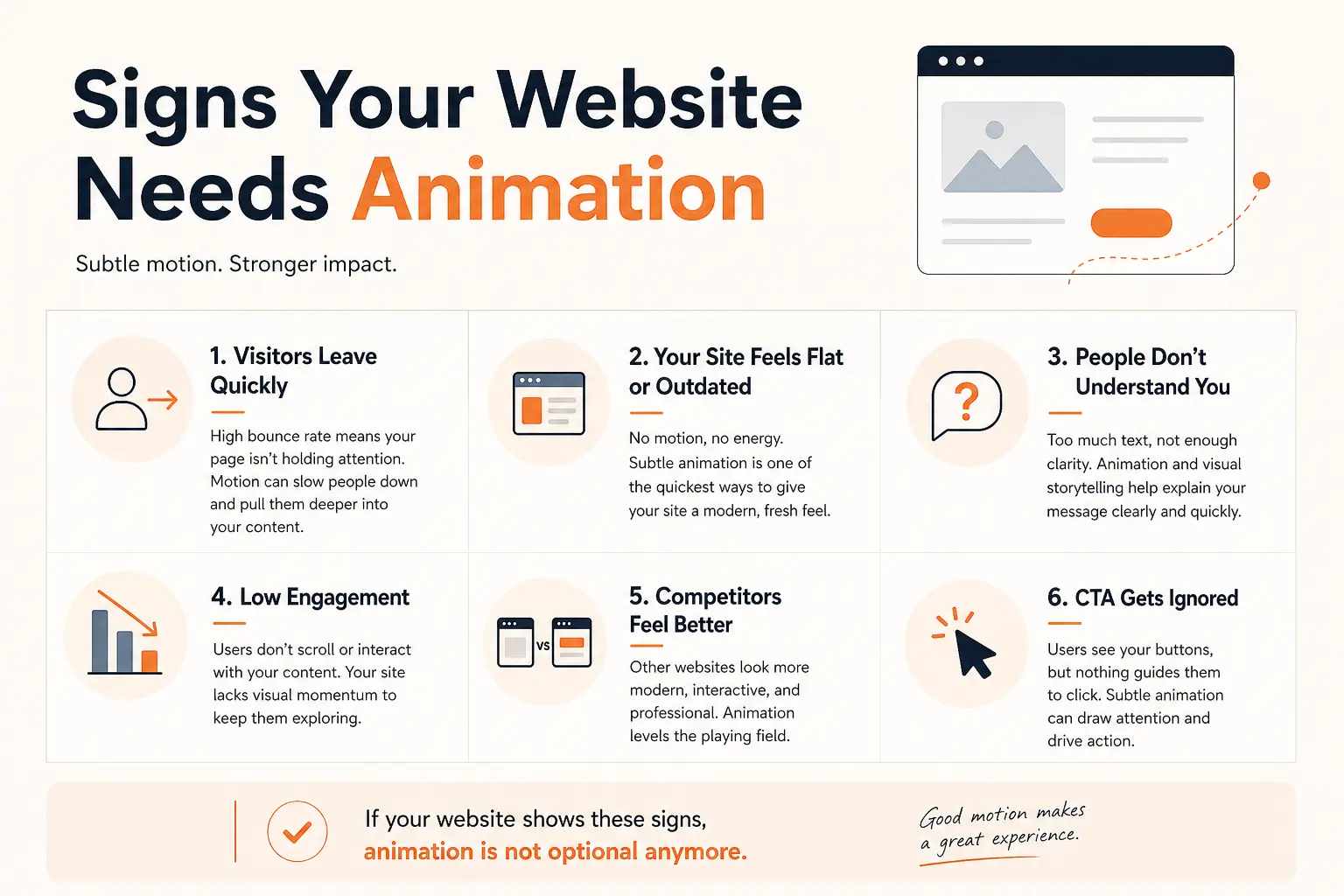
Visitors Leave Quickly Without Taking Action
If your bounce rate is high or users leave within a few seconds, your page is not holding attention. Static layouts often fail to guide the eye. Subtle scroll animations or interactive elements can create flow, encouraging users to stay longer and explore more of your content.
Your Page Feels Flat or Outdated
Even with good design, a completely static website can feel old. Modern websites have a sense of movement and responsiveness. Adding small animations—like section reveals or hover feedback—can instantly make your site feel more current without requiring a full redesign.
You’re Struggling to Explain What You Do
If visitors frequently ask basic questions or seem confused about your offering, your content may not be communicating clearly. Animation can break down complex ideas into simple visual steps. Instead of reading long paragraphs, users can see how something works.
Users Don’t Scroll Through Important Sections
If analytics show that users drop off before reaching key sections, your page lacks visual momentum. Animation helps guide users down the page by revealing content progressively, making the experience feel more dynamic and less overwhelming.
Your Competitors’ Websites Feel More Impressive
When users compare your site with competitors, perception matters. A competitor with smooth transitions and interactive elements will naturally feel more professional and trustworthy. Even small motion details can shift that perception in your favor.
Your Call-to-Action Buttons Get Ignored
If users visit your site but don’t click your main buttons, your call-to-action is not standing out enough. Subtle animations—like a hover effect, pulse, or slight movement—can draw attention without being distracting, helping guide users toward the next step.
Engagement Metrics Are Lower Than Expected
If you are getting traffic but low engagement (low time on page, low interaction rates), your content might not be holding interest. Animation can add rhythm and structure, making the experience more engaging and easier to follow.
Now that you know whether your website needs animation, the next section will show you how to choose the right animation for your industry.
How to Choose the Right Animation for Your Industry
Not all animation styles suit every business. Here’s a simple way to think about it.
Match the Mood of Your Brand
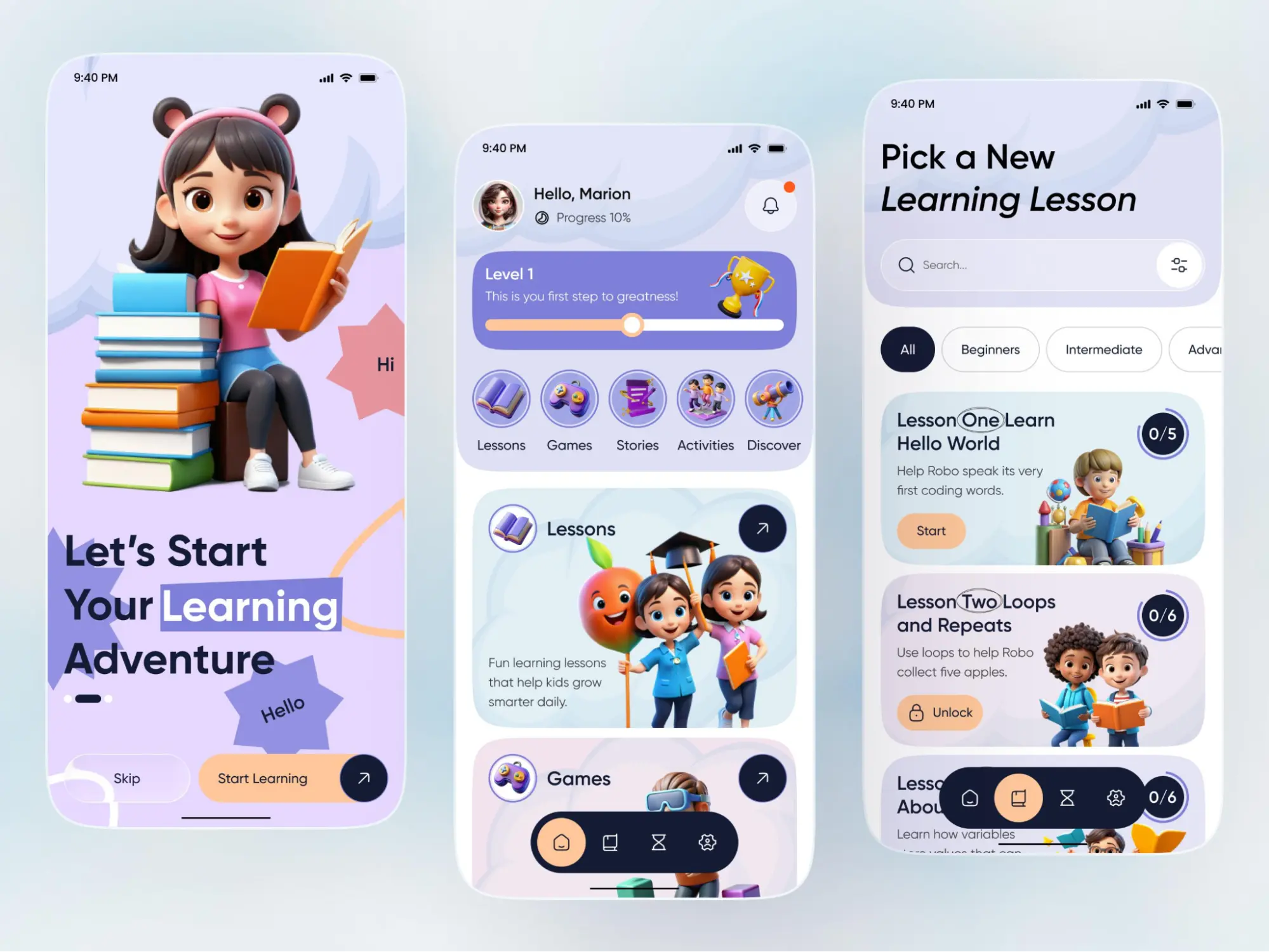
A children’s education platform can afford playful, bouncy animations. A law firm or financial services company cannot. The motion on your website should feel like a natural extension of your brand’s personality. Ask yourself: if my brand were a person, how would they move?
Think About What Your Visitor Needs
An eCommerce shopper needs to understand a product quickly. A SaaS buyer needs to see how software works. A nonprofit donor needs to feel something emotionally.
The right animation is always the one that serves the visitor’s specific need in that moment.
Start with One Area, Not the Whole Site
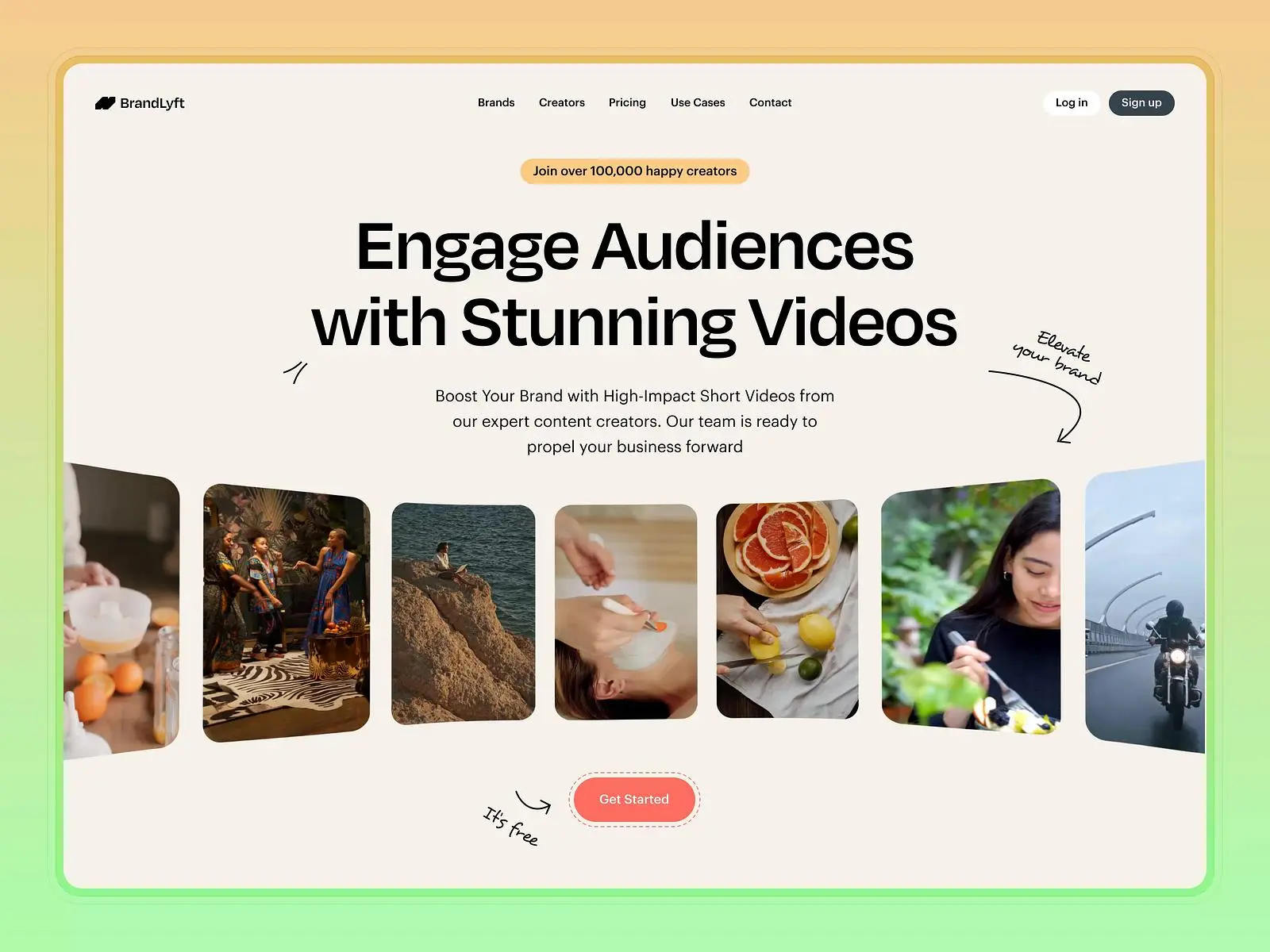
The easiest way to choose is to focus on the most important section of your page, usually the hero or the main call to action, and add animation there first. See how it performs. Then expand from there.
Keep It Proportional to Your Content
A one-page portfolio site can handle more expressive animation than a content-heavy service website with five navigation items and a blog.
The more complex your content, the more restrained your animation should be. Motion should support the content, not compete with it.
Conclusion
Website animation is not a feature reserved for big tech companies or design agencies with unlimited budgets. It’s a practical, accessible tool that works across almost every industry.
Whether you sell products, offer services, run a nonprofit, or build learning experiences, motion on your website can help visitors stay longer, understand your message more clearly, and feel more confident about taking action.
The key is to use animation with intention. Keep it simple and smooth, and always ask if the movement is helping the visitor. Getting that balance right leads to better results.
Start small by picking one section of your website, adding one animation, and seeing how it feels. That is all it takes to get started.
FAQs
Is Website Animation only for Creative or Tech Websites?
No, not at all. Animation works across many industries, including eCommerce, healthcare, education, real estate, and even nonprofits. It’s flexible and can be adapted to match any business style.
Will Animation Slow Down my Website?
It depends on how you use it. Lightweight and well-optimized animations usually do not affect performance. But heavy or excessive animations can slow things down, so it’s important to keep them simple and efficient.
How Does Animation Help Increase Conversions?
Animation helps guide users toward important actions. For example, a subtle movement on a call-to-action button or a smooth form interaction can encourage users to click, sign up, or buy without feeling forced.
What is the Biggest Mistake People Make with Animation?
The biggest mistake is using animation just for decoration. Every movement should have a purpose, like guiding users, explaining content, or improving interaction.

Leave a Reply