

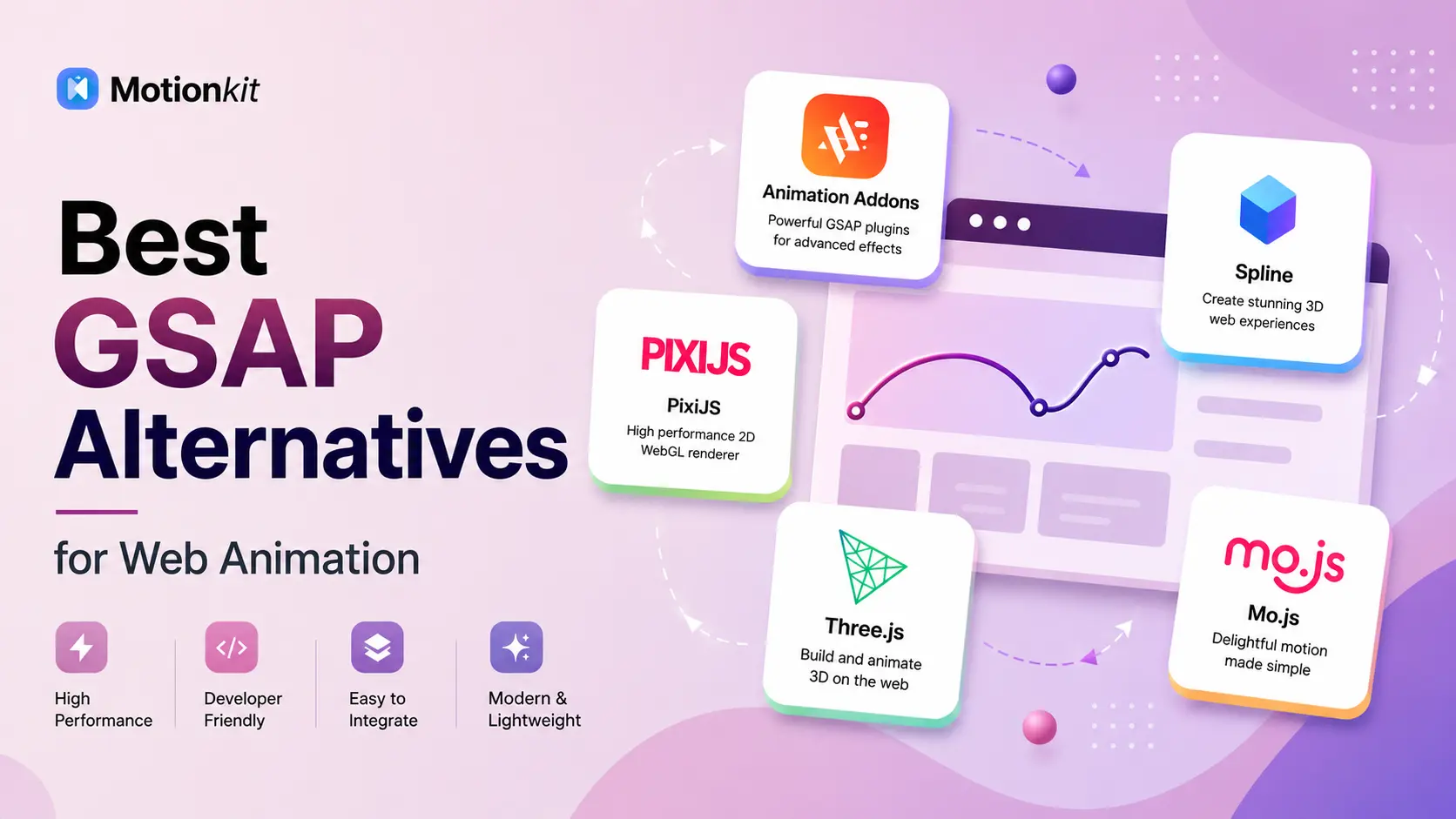
GSAP is one of the most popular animation libraries on the web. But it isn’t the only option out there. If you want smaller file sizes, simpler syntax, or features GSAP doesn’t focus on (like 3D scenes or scroll reveals), there are some great tools worth knowing.
Some are made for developers. Others are no-code. A few specialize in 2D, while others handle full 3D environments. The right choice depends on what you want to build.
In this guide, we’ll walk through 8 of the best GSAP alternatives for web animation. You’ll learn what each one does, where it shines, and which kind of project it fits best. By the end, you’ll have a clear idea of which option works for you.
What is a Web Animation Library?
A web animation library is a tool that helps you add motion to a website. Instead of writing complex code from scratch, the library does the heavy lifting for you. You just describe what you want to animate, and it handles the rest.
Think of it like a set of pre-built tools. You can fade elements in, move shapes around, animate scroll effects, or even build full 3D scenes. Some libraries work with code, while others work through a visual interface.
The goal of any animation library is the same: make websites feel alive, smooth, and interactive without slowing them down.
Why Look for a GSAP Alternative?
GSAP is powerful, but it might not always be the best fit. Some teams want lighter tools. Others need 3D capabilities. And many beginners want something simpler to learn.
Here are a few common reasons people look for alternatives:
- File size matters– Smaller libraries load faster, which helps page speed.
- You need 3D animation– GSAP focuses on 2D. For 3D scenes, you’ll need different tools.
- No-code is a priority– Some users want to skip JavaScript entirely.
- Specific use cases– Scroll reveals, particle effects, or interactive 3D scenes often have specialized tools that do the job better.
The good news? There’s a strong option for every situation.
8 Best GSAP Alternatives for Web Animation
Here are eight popular tools developers and designers use as alternatives to GSAP. Each one has its own strengths and use cases.
1. Anime.js
Anime.js is a lightweight JavaScript library for creating smooth animations. It’s known for its clean syntax and small file size, which makes it a favorite for designers who want fast results without bloating their site.
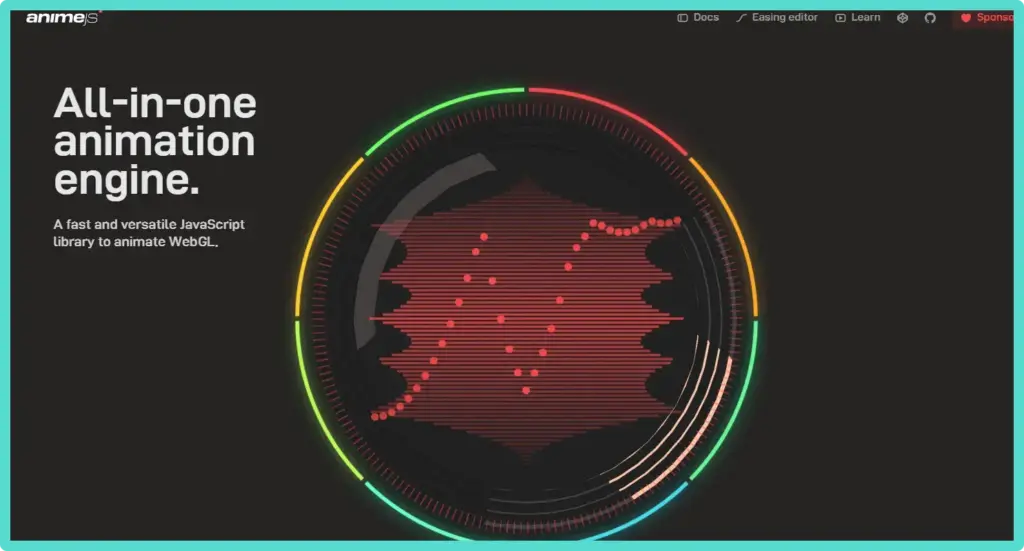
It works with CSS properties, SVG, DOM attributes, and JavaScript objects. The newest version (v4) released in April 2025 added even more flexibility with modular imports. This means you only load the parts you actually use.
Best for: UI animations, SVG morphing, timelines, and staggered effects on landing pages.
Why try it: Easy to pick up, fast to render, and great for designers who want polish without heavy code.
2. Animation Addons
If you use WordPress with Elementor, Animation Addons for Elementor is one of the easiest ways to add animation. It’s a no-code plugin that brings ready-made animation widgets directly into the Elementor editor.
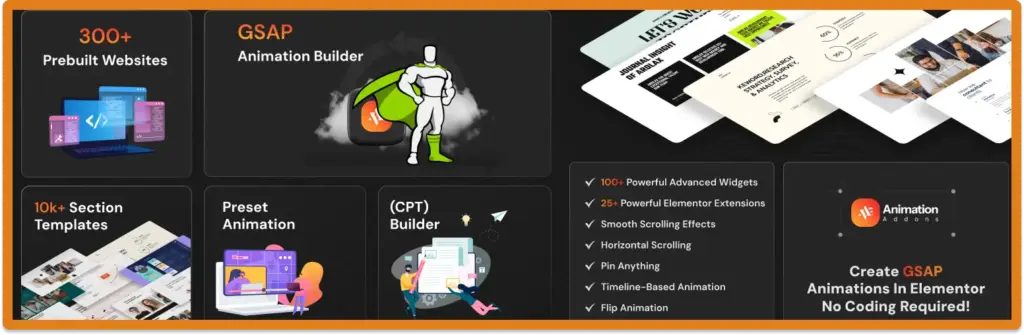
You can add scroll effects, hover animations, text reveals, image transitions, and more. No JavaScript required. Just drag, drop, and tweak settings inside Elementor.
Best for: WordPress users who build sites with Elementor and want professional animations without writing code.
Why try it: It saves hours of setup. You get GSAP-quality results inside a familiar WordPress interface.
3. Motion
Motion is one of the fastest-growing animation libraries today. Originally launched as Framer Motion for React, it now supports React, JavaScript, and Vue. With over 30 million monthly downloads on npm, it’s a top pick for modern web apps.
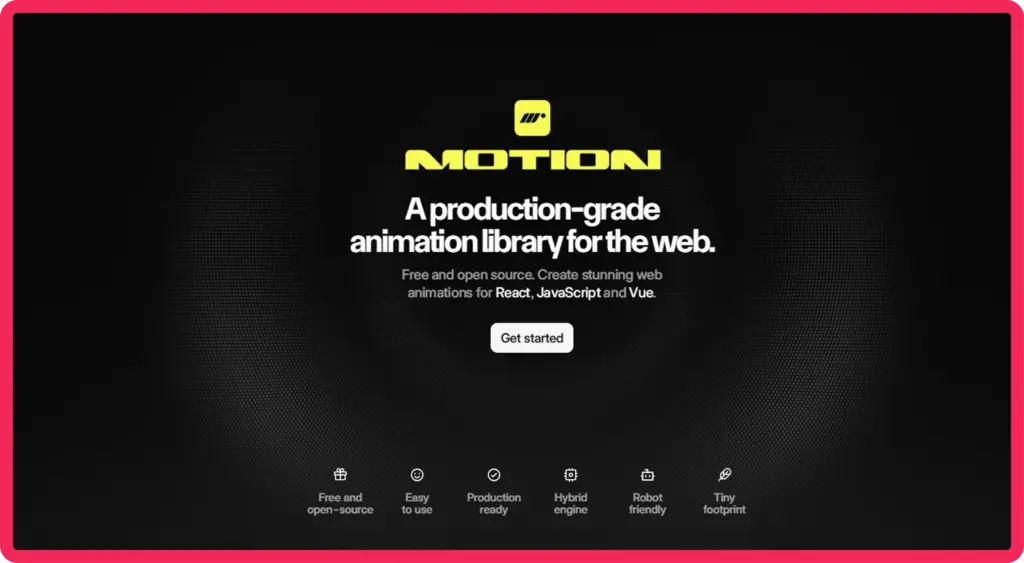
It’s known for spring physics, gesture handling, and layout animations. The API feels intuitive and works well with React state. It also includes scroll-triggered animations through the useScroll hook.
Best for: React, Vue, and JavaScript apps. Especially good for interactive UIs, dashboards, and gesture-driven interfaces.
Why try it: It feels natural for developers who already work in React. The syntax is clean and the performance is solid.
4. Spline
Spline is different from the others on this list. It’s a browser-based 3D design tool, not a code library. You build 3D scenes visually, then export them to your website with a simple embed code.
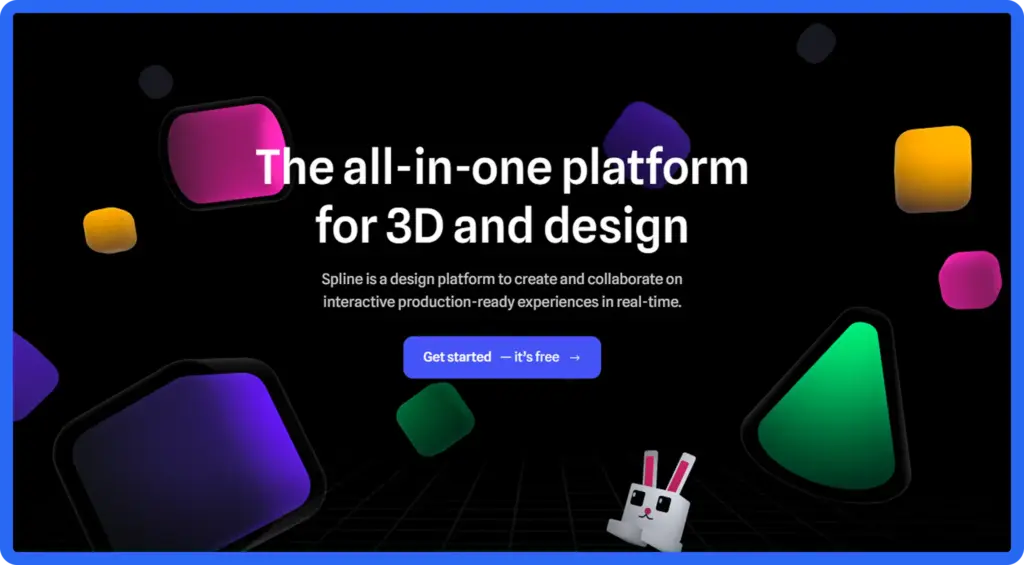
You can model objects, add lighting, create animations, and link them to scroll or mouse events. It also has real-time collaboration, so teams can work on the same scene together. AI features were added to help generate textures and scenes faster.
Best for: 3D hero sections, product showcases, interactive landing pages, and modern portfolio sites.
Why try it: It opens 3D animation to designers who don’t code. The output is web-ready and looks impressive.
5. PixiJS
PixiJS is a fast 2D rendering engine built on WebGL. It’s not strictly an animation library, but it powers graphics-heavy animations that need to run smoothly even on low-end devices.
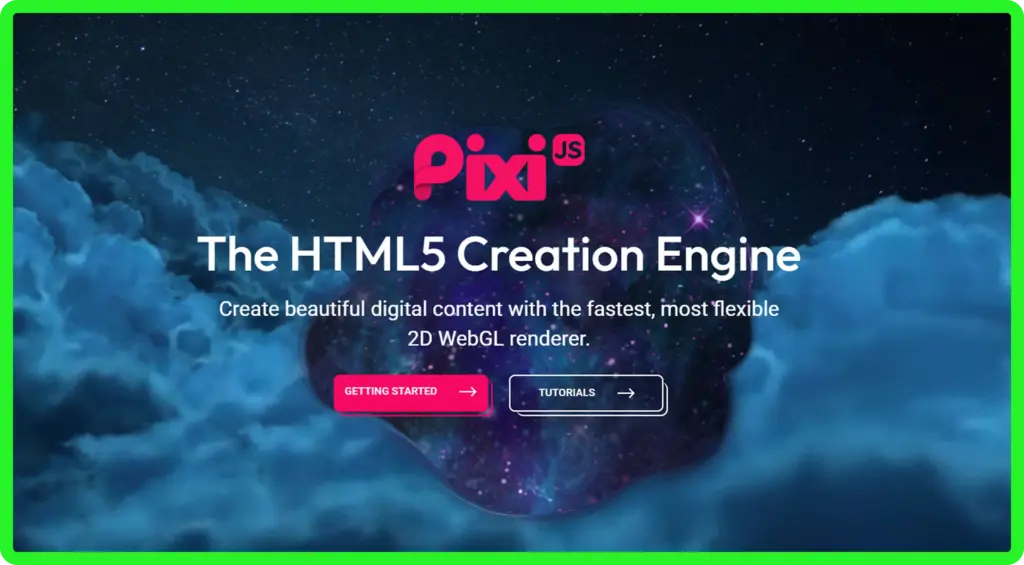
It’s often used for HTML5 games, interactive ads, and complex 2D visuals. PixiJS handles thousands of sprites without dropping frames, thanks to GPU acceleration.
Best for: Browser games, interactive marketing campaigns, and pixel-perfect 2D effects.
Why try it: When you need raw 2D performance with full visual control, PixiJS delivers.
6. Three.js
Three.js is the most popular library for 3D graphics on the web. It uses WebGL to render 3D scenes inside any modern browser. You can build models, add lights, apply materials, and animate everything in real time.
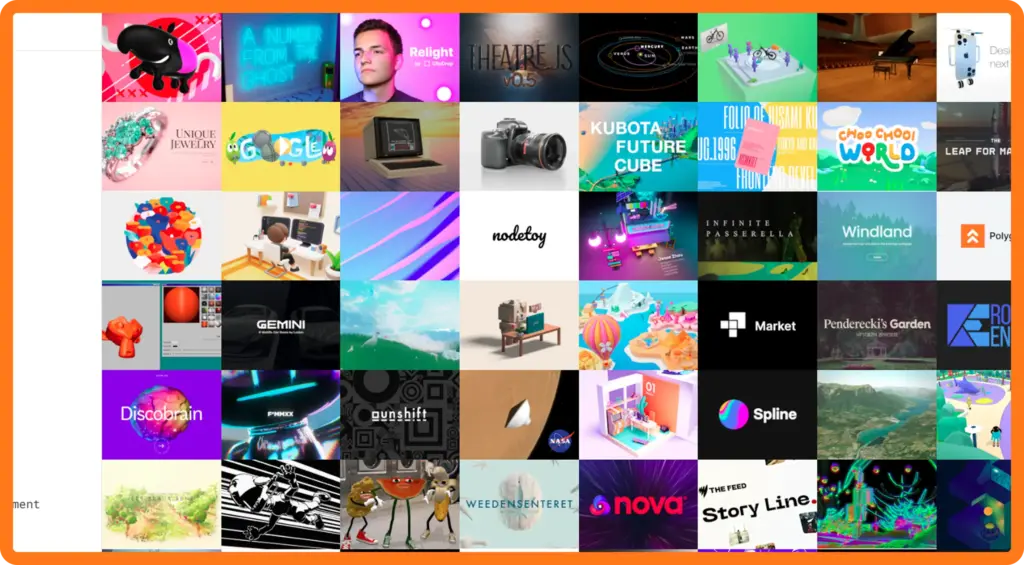
It has a steep learning curve, but the payoff is huge. Some of the most stunning websites in recent years (think interactive product launches and immersive portfolios) are built with Three.js.
Best for: Full 3D experiences, interactive product viewers, data visualizations, and creative web projects.
Why try it: No other library matches the depth and flexibility Three.js offers for 3D on the web.
7. Mo.js
Mo.js is a motion graphics library focused on playful, expressive animations. It’s modular and highly customizable, which makes it great for micro-interactions and delightful UI moments.
It comes with built-in tools for staggering, easing, and timeline control. It also includes a curve editor and a timeline editor to help shape your animations visually.
Best for: Button effects, loading animations, playful UI moments, and creative micro-interactions.
Why try it: If you want animations that feel fun and unique, Mo.js gives you that creative edge.
8. ScrollReveal.js
ScrollReveal.js does one job and does it well: it animates elements as they scroll into view. The library is small (around 3KB minified) and has no dependencies. That makes it perfect for adding subtle scroll effects without slowing down your site.
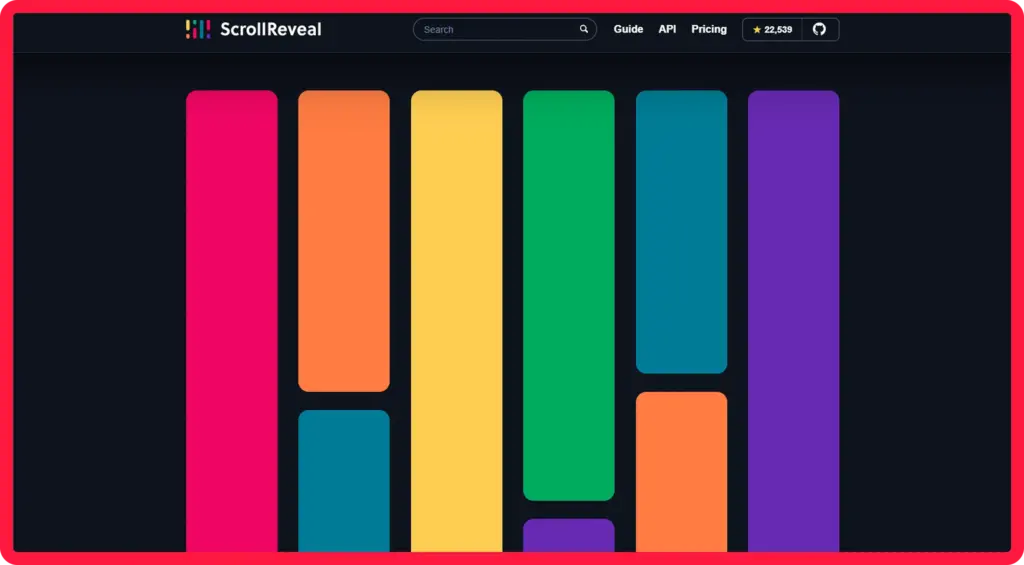
You can fade, slide, scale, or rotate elements as users scroll. The natural-language config style makes it beginner-friendly. Just call reveal() on any element and pick your effect.
Best for: Portfolios, blogs, content-heavy landing pages, and simple scroll-based reveals.
Why try it: It’s a quick win. Add it to any site and instantly get clean scroll animations with minimal setup.
How to Pick the Right Animation Tool
With so many options, picking one can feel tricky. Here’s a quick way to narrow it down:
- Need no-code animation in WordPress? Try Animation Addons for Elementor.
- Want lightweight UI animations? Anime.js or Motion.
- Building a React or Vue app? Motion is a natural fit.
- Want full 3D scenes? Three.js (with code) or Spline (no code).
- Need 2D game-like performance? PixiJS.
- Want playful micro-interactions? Mo.js.
- Just need scroll reveals? ScrollReveal.js.
Match the tool to the job. Don’t pick the biggest library when a small one will do.
Best Practices for Web Animation
No matter which tool you use, these tips will keep your animations sharp and effective:
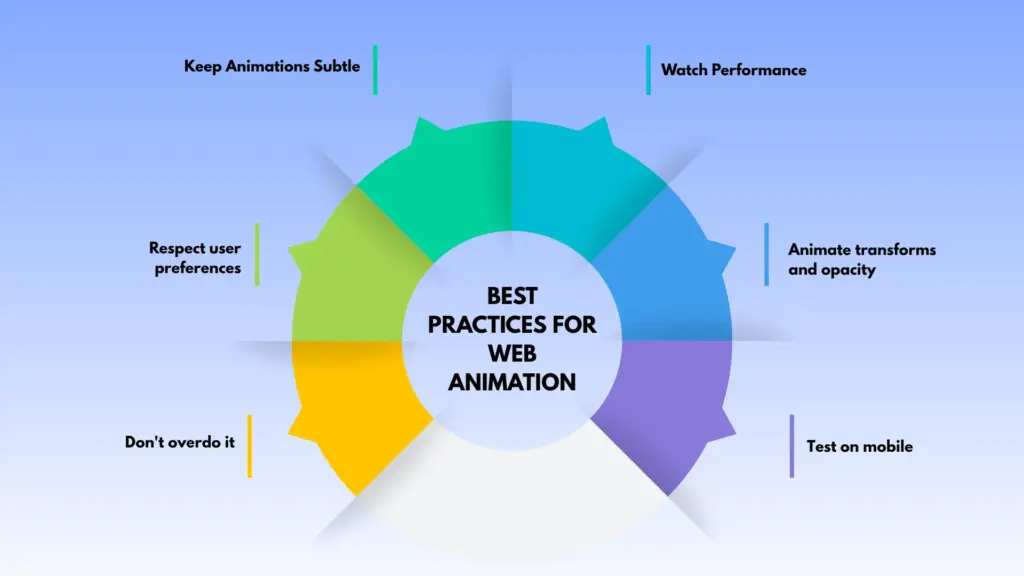
Keep animations subtle
Animations work best when they guide attention naturally instead of demanding it. Small hover effects, soft fades, and smooth transitions create a polished experience while keeping the focus on the content and overall usability of the website.
Watch performance
Always test animations on lower-powered laptops and mobile devices, not just high-end machines. Large animation libraries, excessive DOM updates, or heavy effects can create lag, dropped frames, and frustrating scrolling experiences for users.
Respect user preferences
Some visitors experience motion sensitivity or simply prefer minimal movement while browsing. Supporting the prefers-reduced-motion setting helps improve accessibility and ensures your website feels comfortable and inclusive for every type of user.
Animate transforms and opacity
Using CSS properties like transform and opacity keeps animations smooth because browsers can render them more efficiently with GPU acceleration. Avoid animating layout-heavy properties like width, height, or margin whenever possible.
Don’t overdo it
Too many animations competing for attention can make a site feel cluttered and distracting. Focus on a few meaningful motion effects that improve navigation, highlight important content, or create smoother user interactions.
Test on mobile
Animations that feel elegant on desktop may become slow or overwhelming on smaller screens. Check how motion behaves on touch devices, especially during scrolling, menu interactions, and page transitions across different screen sizes.
Common Mistakes to Avoid
Even experienced designers fall into a few traps with animation:
Too much motion
Animating every section, button, and image can overwhelm visitors and reduce clarity. Motion should support the user journey, not compete with it. Prioritize important interactions instead of adding animation purely for decoration.
Slow load times
Using oversized animation libraries or unoptimized assets can hurt website performance significantly. Lightweight tools and efficient implementation usually deliver better results than complex frameworks that add unnecessary scripts and processing overhead.
Ignoring accessibility
Animations should never prevent users from comfortably using your site. Always provide reduced-motion alternatives, avoid flashing effects, and ensure important information remains accessible even when animations are disabled or unsupported.
No fallback for older browsers
Advanced animation features like WebGL effects or experimental CSS properties may not work consistently everywhere. Build graceful fallbacks so users on older browsers still receive a stable, functional, and visually acceptable experience.
A Quick Note on Motion Kit
If you build websites and want GSAP-quality scroll animations without writing code, Motion Kit is worth a look. It works with WordPress and other popular platforms, letting you add smooth scroll and interactive animations through a simple visual interface. It’s built on GSAP under the hood, so you get the same performance with none of the coding.
Conclusion
GSAP remains one of the most powerful animation libraries for the web, but it is not the only option available. Depending on your project size, workflow, and performance needs, there are many excellent alternatives that can deliver smooth and engaging animations. By exploring these GSAP alternatives, you can find a solution that matches your creative vision while keeping your website fast, modern, and user-friendly.
Pick the one that matches your skill level, your project, and your performance needs. With the right tool, anyone can add motion that makes a site feel modern, clean, and engaging.
FAQs
Which GSAP alternative is best for beginners?
For non-coders, Animation Addons for Elementor and Spline are the easiest to start with. Both offer visual interfaces. If you write code, Anime.js and ScrollReveal.js have the friendliest learning curves.
Are these alternatives free?
Most of them are free for personal use. Anime.js, Motion, PixiJS, Three.js, Mo.js, and ScrollReveal.js are open source. Spline has a free tier with paid plans for teams. Animation Addons for Elementor offers both free and pro versions.
Can I use these libraries with WordPress?
Yes, most can be added to WordPress through custom code or a plugin. Animation Addons for Elementor is built specifically for WordPress users who use Elementor. Spline embeds work on any platform, including WordPress.
Which library is best for 3D animations?
Three.js is the most powerful option for full 3D web experiences. Spline is the easiest for designers who want 3D without coding. Both export to the web cleanly.
Will animations slow down my website?
Only if used carelessly. Most modern animation tools are built with performance in mind. Stick to GPU-friendly properties like transform and opacity, limit the number of animations, and test on mobile devices.

Leave a Reply