

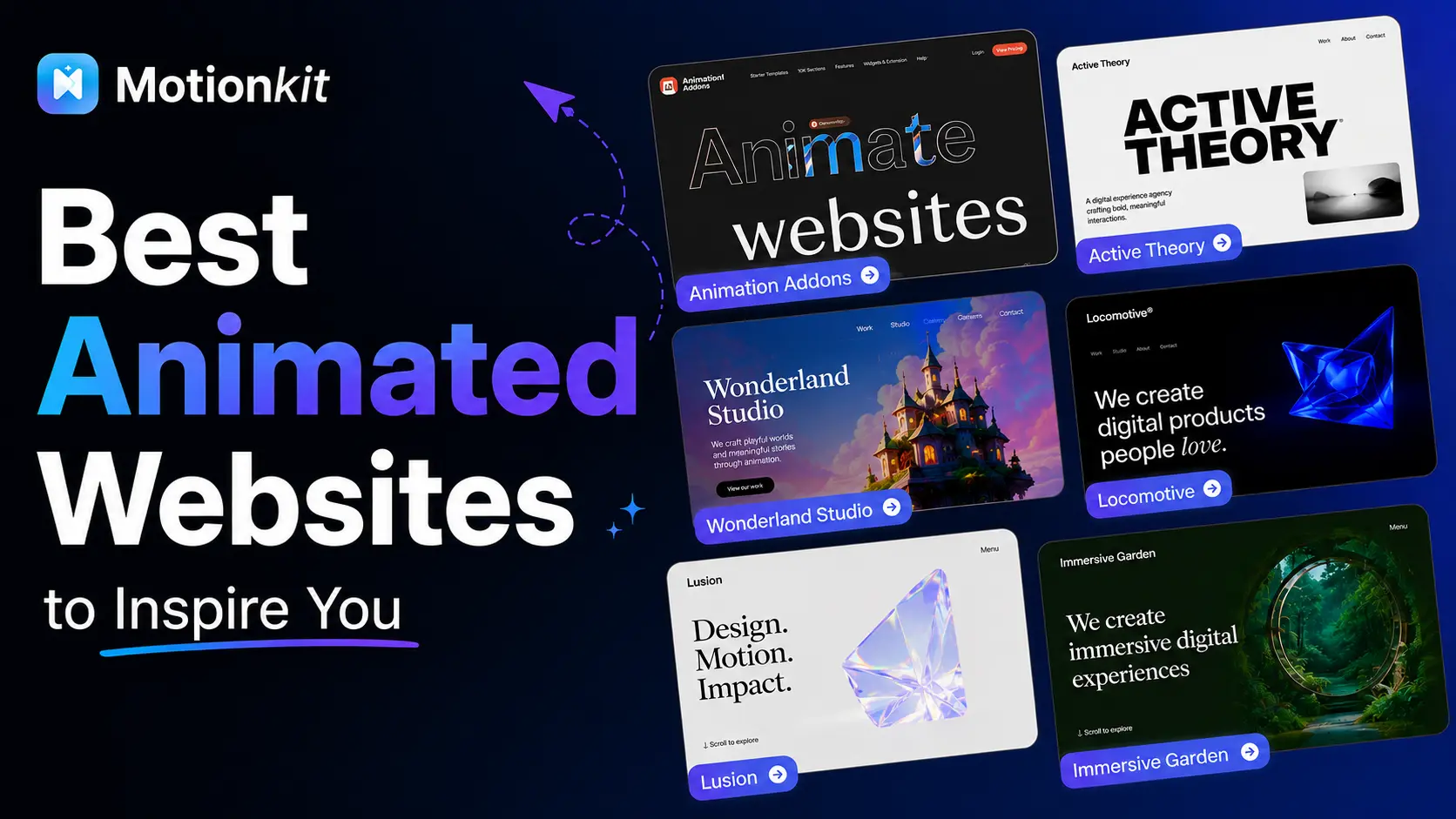
Most websites do not fail because of design. They fail because of experience. You open a page, and everything looks right, but users still leave. Then you visit another site where everything feels smooth and easy to follow, and you stay longer. The difference is how the interface responds through motion.
In 2026, users decide fast. Static sites lose attention, while well-used animation keeps people engaged and guides their actions.
In this blog, you will explore 15 real animated websites and learn what makes some of the best animation sites so effective.
Why Animated Websites Perform Better?
Animation enhances user experience by combining visual engagement with clear communication, helping visitors stay longer, understand faster, and take action more easily.
From immersive storytelling to subtle micro-interactions, the web is now filled with great animation websites that use motion to improve usability and engagement.
Studying these animation website examples can help designers better understand how movement influences user behavior and creates memorable experiences.
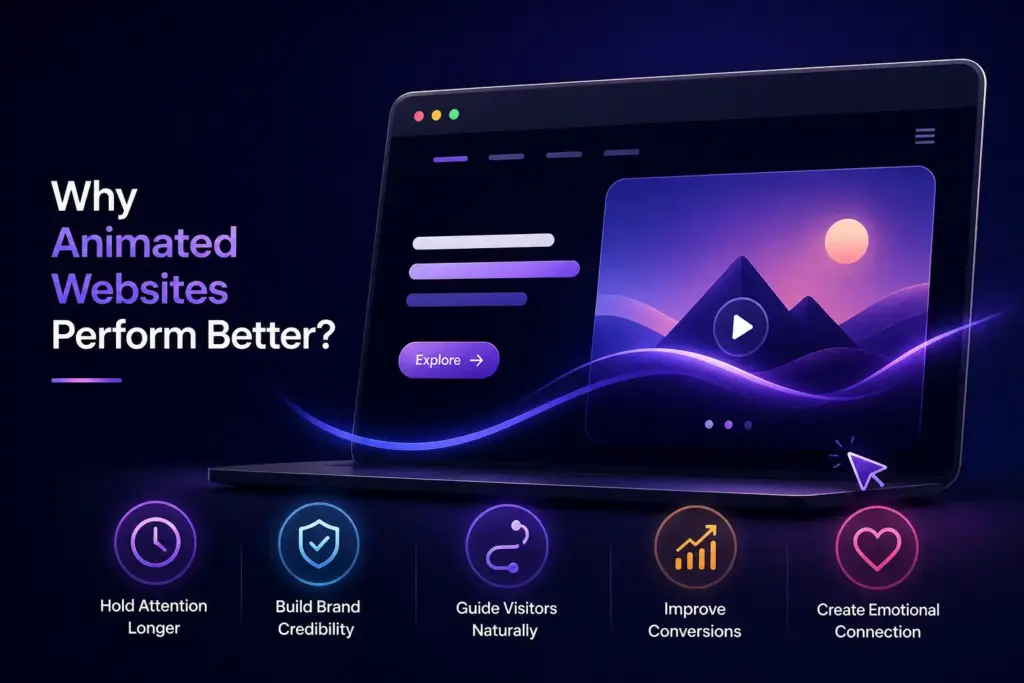
Hold Attention Longer
Research shows that users stay on a page up to 2.6 times longer when animation is used because movement naturally captures attention and encourages deeper exploration, increasing dwell time and signaling strong relevance to search engines.
Build Brand Credibility
A polished animated interface reflects effort, precision, and modern design standards, which makes visitors perceive the brand as more professional, trustworthy, and high-quality compared to static websites.
Guide Visitors Naturally
Subtle motion leads attention through content using transitions, fades, and scroll-based effects, helping users follow a clear path, understand structure, and navigate without confusion.
Improve Conversions
Strategic animation highlights important elements like call-to-action buttons, product features, and key messages at the right moment, increasing focus and making it easier for users to take action.
Create Emotional Connection
Motion adds personality and tone to a website, allowing brands to express character and emotion, which helps users feel more connected and makes the experience more memorable.
15 Best Animated Websites 2026
A selected list of 10 websites with great animation and other standout experiences that use motion not just for style. They create engaging user journeys and deliver strong storytelling.
These examples also provide valuable web animation inspiration for modern designers.
1. Active Theory
Immersive WebGL experiences with cinematic transitions.
Why it stands out: Feels like a game
Idea: Use animation to build atmosphere
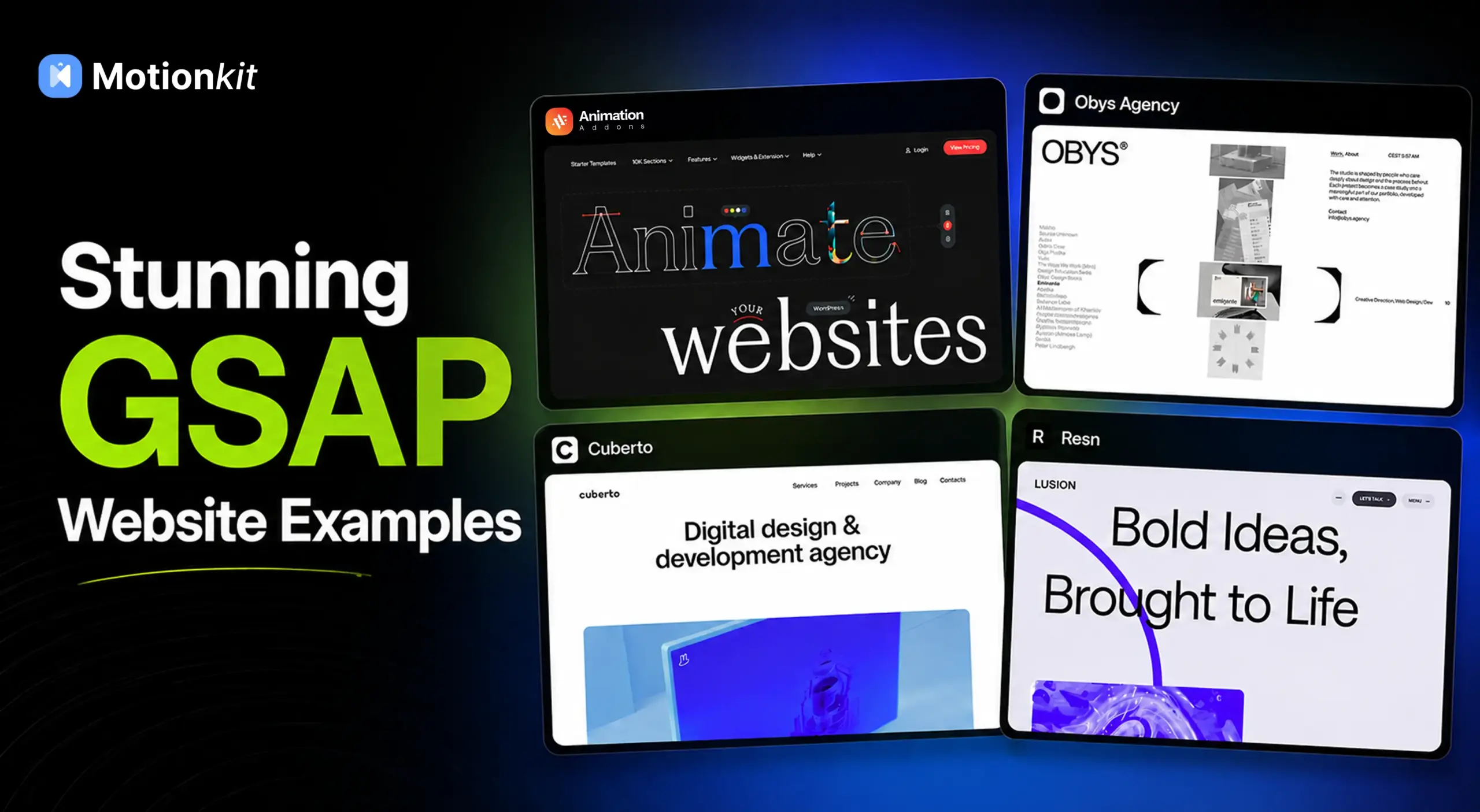
2. Animation Addons
Dynamic WordPress Animation with GSAP Integration
Why it stands out: Professional motion design made accessible without coding.
Idea: Combine high-performance animations with intuitive builders to create engaging, modern websites.
3. Lusion
High-end storytelling with 3D and motion.
Why it stands out: Strong narrative + motion
Idea: Combine story with animation
4. Resn
Experimental, bold, and sometimes chaotic — but memorable.
Why it stands out: Breaks UX norms
Idea: Take creative risks (carefully)
5. Locomotive.ca
Smooth scrolling + parallax storytelling.
Why it stands out: Fluid motion everywhere
Idea: Master scroll-based animation
6. Immersive Garden
Art-driven storytelling with fluid 3D motion and atmospheric transitions.
Why it stands out: Every interaction feels cinematic and emotionally layered
Idea: Mix creative visuals with subtle motion to create an engaging storytelling experience
7. MakeMePulse
Interactive storytelling mixed with campaigns.
Why it stands out: Engaging user journeys
Idea: Design animation as a journey
8. Dogstudio / Dept Creative Work
Rich transitions and strong visual motion.
Why it stands out: Consistent motion language
Idea: Keep animation style consistent
9. Cuberto
Famous for cursor-based animations and fluid interactions.
Why it stands out: Micro + macro animation blend
Idea: Combine small and large motions
10. Wonderland Studio
Heavy use of 3D transitions and immersive visuals.
Why it stands out: Cinematic feel
Idea: Think like filmmaking
11. Obys Agency
Typography-driven animation with strong identity.
Why it stands out: Motion + typography
Idea: Animate text, not just images
12. Home.Agency
Smooth, high-quality transitions with storytelling.
Why it stands out: Clean but powerful motion
Idea: Balance creativity and usability
13. Pitch
Modern SaaS site with meaningful motion.
Why it stands out: It reveals a site where every movement has a purpose, from subtle 3D elements to real-time interactive previews.
Idea: Smooth motion shows features without text.
14. Apple
Cinematic scroll-based storytelling
Why it stands out: Perfect timing and pacing
Idea: Control the narrative through scroll
15. Studio Freight
Fluid motion with a narrative feel.
Why it stands out: Minimal design, but every transition feels intentional and refined. Nothing is overdone, yet everything feels alive.
Idea: Use motion to guide users, not distract them. Keep it subtle, purposeful, and easy to follow.
What These Websites Have in Common
Looking across all 15 examples, a clear pattern emerges.
Animation serves a purpose: Whether it’s guiding the scroll, reinforcing the brand, or revealing content at the right moment, every motion earns its place.
Load speed is protected: None of these sites sacrifices performance for the sake of looking impressive. The animations are optimized so the page still loads quickly.
Less is often more: Some of the most effective examples on this list are also the subtlest. Many good animation sites rely on simple transitions and smooth interactions instead of overwhelming effects.
Best Practices for Adding Animation to Your Website
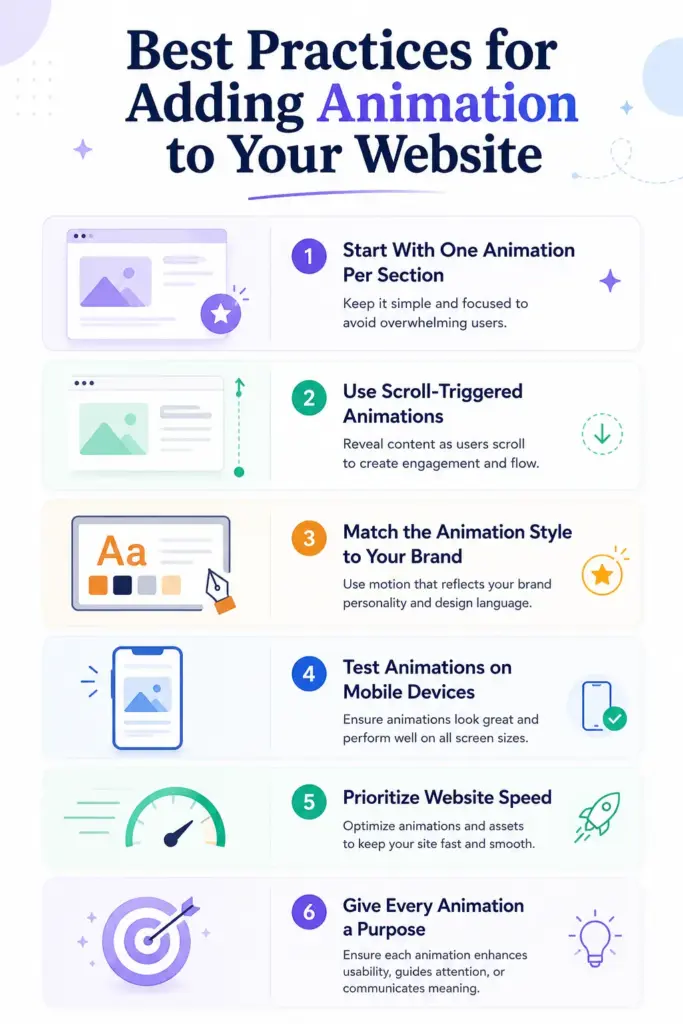
Animation can make a website feel modern, interactive, and more engaging. But the goal of animation is not simply to add movement everywhere.
The best animated websites use motion carefully to improve user experience, guide attention, and create a smoother browsing journey without overwhelming visitors.
Start With One Animation Per Section
One of the biggest mistakes in web design is adding too many animations at the same time. If every element moves, visitors can get distracted, and the website can feel overwhelming instead of professional.
Focusing on one primary animation per section creates a cleaner experience and helps users stay focused on important content.
Use Scroll-Triggered Animations
Scroll-triggered animations help content appear naturally as visitors move down the page. This makes the browsing experience feel more interactive without overwhelming the user immediately after the page loads.
Smooth reveals and subtle transitions can guide attention while improving storytelling throughout the website.
Match the Animation Style to Your Brand
Animation should reflect the personality of your brand. Playful brands may benefit from energetic motion, while professional business websites usually work better with smooth and minimal transitions.
Consistent animation styles help create a polished and memorable user experience.
Test Animations on Mobile Devices
Animations that look great on desktop screens may not perform well on mobile devices. Heavy effects can make scrolling feel slow or uncomfortable on smaller screens.
Testing across phones and tablets ensures the experience remains smooth, responsive, and user-friendly for every visitor.
Prioritize Website Speed
Animation should enhance the website without hurting performance. Large or unoptimized effects can slow down loading times and negatively impact user experience.
Lightweight and optimized animations help maintain fast performance while still creating a modern and engaging design.
Give Every Animation a Purpose
The best animations always have a clear purpose. Motion should help guide attention, improve navigation, or support storytelling.
If an animation does not improve the user experience or communicate something meaningful, it may only become a distraction rather than an enhancement.
Common Mistakes to Avoid
Avoiding these common animation mistakes can help your website feel smoother, faster, and more professional while creating a better experience for visitors.
Animating Everything
When every element on a page moves, the website can quickly feel overwhelming and difficult to follow. Animation works best when used selectively, allowing important content to stand out naturally and keeping the overall experience clean and focused.
Ignoring Mobile Performance
Animations that look smooth on desktop devices may become slow or unresponsive on mobile screens. Testing across different devices helps ensure the website remains fast, responsive, and easy to use for all visitors.
Using Animation to Hide Weak Content
Strong animation cannot replace clear messaging or valuable content. Visitors still need to quickly understand what the website offers, and motion should support the message rather than distract from it.
Forgetting About Load Time
Heavy animations and large visual effects can slow down website performance significantly. A fast-loading website creates a better user experience and helps keep visitors engaged longer.
Conclusion
Animation is no longer just a design trend. In 2026, it is part of how modern websites communicate, guide users, and create better experiences.
But the biggest lesson from these examples is not to add more animation. It is to use animation with a purpose. The best websites do not move just to look impressive. Every transition, reveal, and interaction helps the user in some way.
If you are getting started, keep it simple. Add motion to one section of your website and focus on improving the user experience. Small changes often make the biggest difference.
Many of today’s cool animation trends started with simple experiments and thoughtful design choices. The most successful best animation sites focus on usability first and visual effects second.
FAQs
What makes an animated website good?
A good animated website uses motion with intention. Every animation should have a clear purpose, whether it is guiding attention, reinforcing the brand, or improving clarity.
The best animated websites also load fast and work well on mobile.
Do animated websites rank well on Google?
Animation itself doesn’t directly affect rankings, but it improves engagement metrics like time on page and bounce rate, which Google considers as indirect ranking signals. Fast-loading animated websites can rank very well.
What kind of animation should a beginner start with?
Scroll-triggered fade-ins and slide-up animations are the simplest starting point. They’re subtle, effective, and widely used by professional websites. You can add these without complex coding using modern animation tools.
Can I add animations to my website without coding?
Yes. Several tools let you add scroll-based and interactive animations to your WordPress website without coding. You can create effects like fade-ins, scrolling animations, hover interactions, text reveals, and smooth transitions using simple visual controls. This makes it easier for beginners and designers to build modern and engaging websites without touching code.

Leave a Reply