

Think about the last website that really caught your attention. Chances are, something moved. A button that responded when you hovered. A section that slid in as you scrolled. An image that faded into view just at the right moment.
That is the power of website animation.
Most people scroll past static websites without a second thought. But a website that feels alive? That is one people actually stop and look at.
The benefits of animation on a website go beyond just looking good. Animations help visitors understand your content faster, stay on your page longer, and feel more confident about what they are seeing.
What Is Website Animation?
Website animation is any movement you see on a webpage. It could be a button that grows slightly when you hover over it. A headline that appears as you scroll down. A loading icon that spins while content loads.
These are not videos or slideshows. They are small, intentional movements built into the website itself. They react to what visitors do, like scrolling, clicking, or moving their mouse.
Think of it like this: a still photo shows you something, but a short movement catches your eye and tells a story faster. Website animations work the same way.
Why Animations Matter for Your Website
Animations make your website feel alive, help people stay longer, and guide them to understand your content step by step.
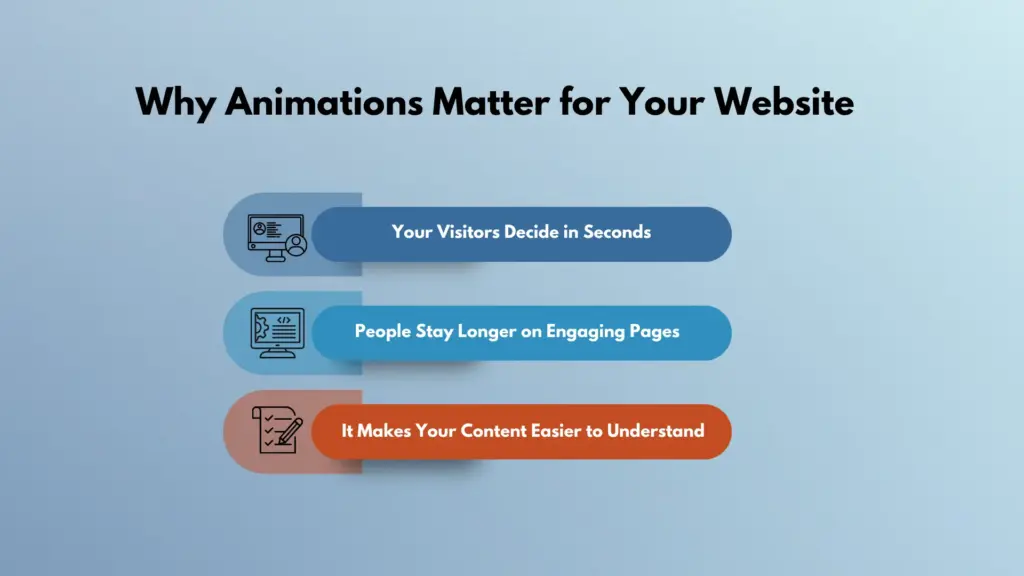
Your Visitors Decide in Seconds
People decide very quickly if they like a website. Research shows it takes less than one second. That means your website must look good right away. If it looks dull or does not react, many visitors will leave without reading anything.
Animation helps you make a strong first impression. Simple movements like hover effects, smooth changes between sections, or buttons that react when clicked make your site feel active. It shows that your website is modern and well-made.
When visitors see these small actions, they feel more comfortable. They start to trust your website. This trust can make them stay longer and explore more pages, which is one of the main reasons for needing website animations.
People Stay Longer on Engaging Pages
One big reason to use animation is to keep people interested. Smooth movement on the screen naturally draws the eye to follow it. This makes people keep scrolling and reading.
If your page feels alive, visitors do not get bored quickly. They want to see what comes next. This helps them spend more time on your website.
Spending more time on your site is very important. It helps people learn more about your product or service. It also increases the chance that they will take action, like signing up or buying something.
It Makes Your Content Easier to Understand
Animation is not only for looks. It also helps people understand your content better. Instead of showing everything at once, you can show it step by step.
For example, text can appear as the user scrolls. Important parts can move or highlight to catch attention. This helps visitors focus on one thing at a time.
Information that is shown in a simple and clear way is easier to read and remember. This is especially helpful for pages with a lot of details. Good animation guides users. It shows them where to look and what to do next. This makes your website easier to use and more enjoyable for everyone.
6 Benefits of Animation on a Website
There are real, measurable advantages of animation that go beyond aesthetics. Here is what good animation actually does for your site.
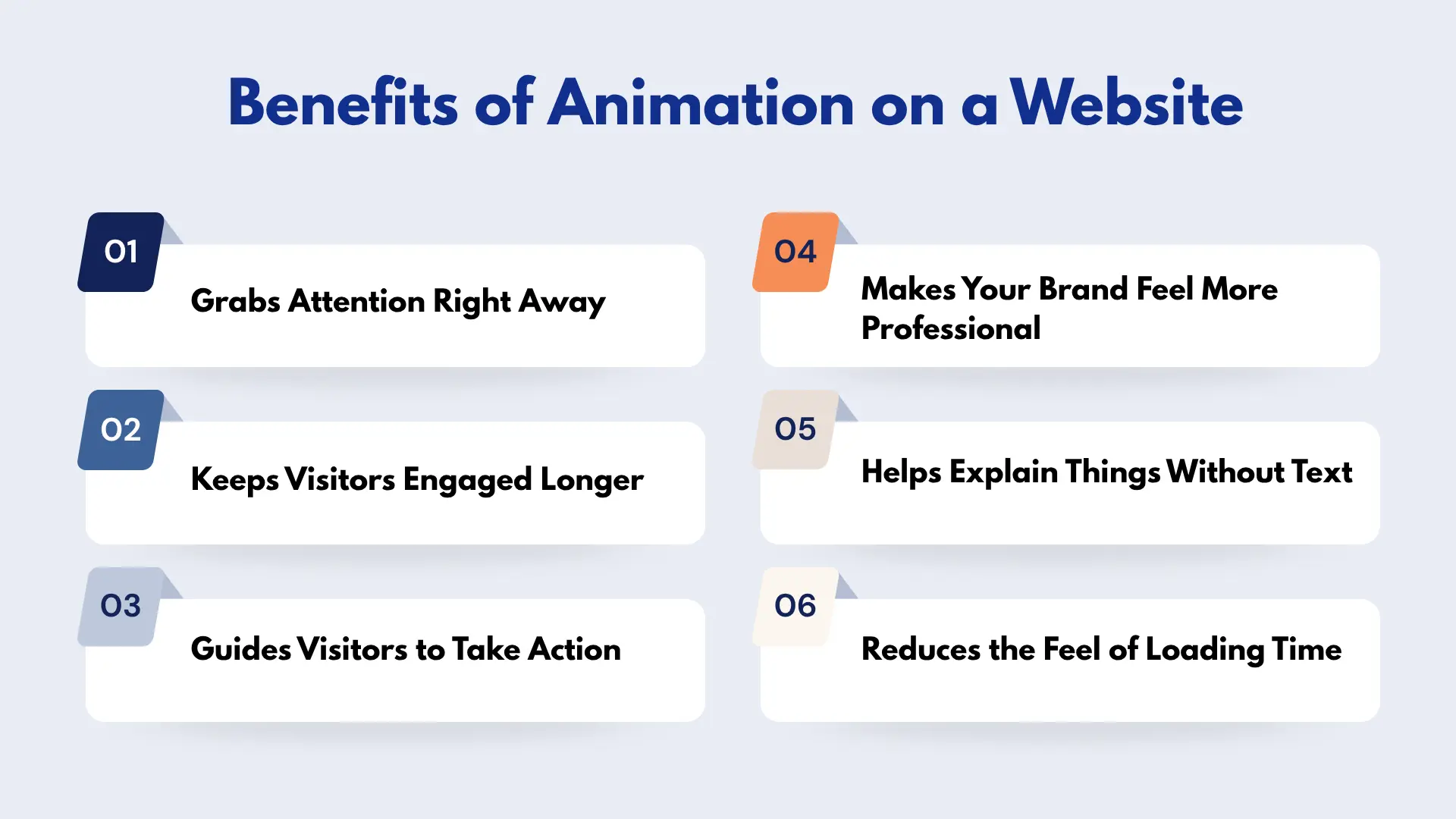
1. Grabs Attention Right Away
Movement naturally draws the human eye. Our brains notice motion before anything else. A headline that fades in or an image that slides into view stands out quickly from the rest of the page.
This helps visitors notice the most important content first instead of missing it. You can use this to highlight key messages, offers, or sections. For example, a title with a soft fade feels more inviting than plain text.
A product image that moves slightly into place feels more engaging and real. These small touches guide attention without overwhelming the user. Capturing attention early increases the chances that visitors will stay and explore the rest of your website.
Real Use Cases: Hero sections often use animated headlines or subtle background motion to create a strong first impression. Product images can also slide or fade in to instantly grab attention.
2. Keeps Visitors Engaged Longer
Animated websites feel more interactive and less static. Instead of just reading and scrolling, visitors feel like they are part of the experience. Each movement gives them a reason to keep going.
As users scroll, animations can reveal content step by step. This creates curiosity. People want to see what comes next. It turns simple scrolling into a smooth journey.
This longer engagement is very valuable. Visitors who stay longer are more likely to understand your message, explore different sections, and build a connection with your brand. Over time, this can lead to better results like more signups or sales.
Real Use Cases: Landing pages reveal sections gradually to keep users curious. Portfolio websites showcase projects one by one to create a more dynamic browsing experience.
3. Guides Visitors to Take Action
A good website does not just show information. It guides visitors toward action. Animation helps make this path clear and easy to follow.
For example, a button with a gentle pulse effect can draw attention without being annoying. A small arrow moving down the page can show users to keep scrolling. A form that appears at the right moment can invite users to take the next step.
These visual signals reduce confusion. Visitors do not have to guess what to do next. They are naturally guided through the page, which makes the whole experience smoother and more effective.
Real Use Cases: Call-to-action buttons often use subtle pulse or hover effects. Pricing tables highlight plans on hover, helping users quickly decide. Scroll indicators guide users down the page.
4. Makes Your Brand Feel More Professional
A website with smooth and well-placed animations feels complete. It shows that time and effort were put into the design. This creates a strong first impression.
Rough or missing interactions can make a website feel unfinished. On the other hand, clean transitions and subtle movements show attention to detail. This makes your brand look more reliable and modern.
When visitors see a polished website, they are more likely to trust your business. This trust can play a big role in whether they choose your product or service.
Real Use Cases: Pricing cards with hover effects, smooth page transitions, and interactive UI elements are commonly used on business websites to create a premium feel.
5. Helps Explain Things Without Text
Some ideas are hard to explain with long paragraphs. Animation makes this easier by showing instead of telling.
For example, a short step-by-step animation can show how a feature works. A moving diagram can explain a process clearly. Even simple effects like content appearing one by one can help break down complex information.
This makes your content easier to understand, especially for new visitors. It also helps people remember what they saw, since visual learning is often stronger than reading alone.
Real Use Cases: Product pages use animations to demonstrate features step by step. SaaS websites often use small motion graphics to explain workflows clearly.
6. Reduces the Feel of Loading Time
Waiting for a page to load can feel slow and frustrating, especially if nothing is happening on the screen. Animation helps solve this problem.
A small loading spinner, progress bar, or smooth transition gives users something to look at while the page loads. This makes the wait feel shorter, even if the actual loading time is the same. It also shows that the website is working and has not frozen. This keeps visitors calm and prevents them from leaving too early.
In the end, these small details improve the overall experience and make your website feel faster and more responsive.
Real Use Cases: Loading spinners, skeleton screens, and smooth transitions are used in dashboards and modern websites to improve perceived speed.
Best Practices for Website Animation
Getting animation right does not require a big budget or advanced technical skills. What matters most is how thoughtfully you use it. Even simple animations can make a big difference when they are applied with intention.
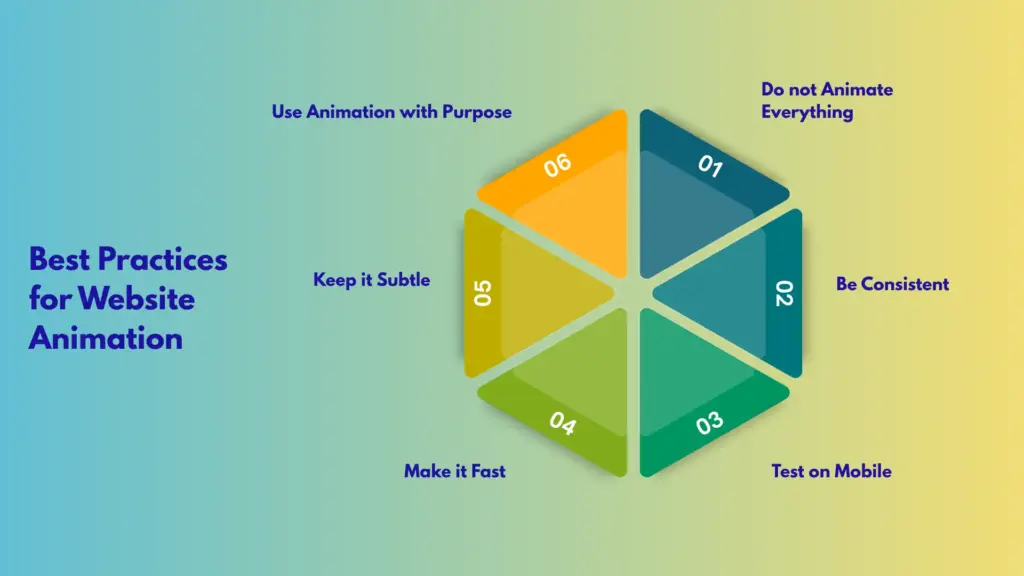
Keep it Subtle
Animations should support your content, not compete with it. If an animation is too flashy or distracting, visitors will focus on the movement instead of the message. Subtle effects like soft fades, slight movements, or gentle transitions usually work best. They enhance the experience without overwhelming the user.
Use Animation with Purpose
Every animation should have a clear role. It can guide attention to important content, show progress, provide feedback, or help explain something visually. Avoid adding animation just because it looks nice. If it does not improve the user experience, it is better to leave it out.
Make it Fast
Speed plays a big role in how animations feel. Slow animations can make your website feel laggy and frustrating. In most cases, animations should complete within 0.3 to 0.6 seconds. This keeps the experience smooth and responsive while still being noticeable.
Test on Mobile
A large portion of users browse on mobile devices, so your animations need to work well on smaller screens. Make sure they are smooth, do not block important content, and do not slow down performance. What looks great on a desktop might feel heavy or awkward on mobile if not tested properly.
Be Consistent
Consistency helps create a clean and professional feel. Use a similar style, speed, and motion pattern across your website. For example, if you use fade-in effects in one section, try to maintain that style elsewhere. Mixing too many different animation styles can make your design feel unorganized.
Do not Animate Everything
Not every element needs to move. When everything is animated, it becomes hard for users to know where to look. Instead, focus on key areas like headings, important sections, or call-to-action elements. This creates clarity and makes your animations more effective.
Common Mistakes to Avoid
Even with good intentions, beginners often make a few common mistakes when adding animations to a website. Understanding these can help you create a smoother and more professional experience.
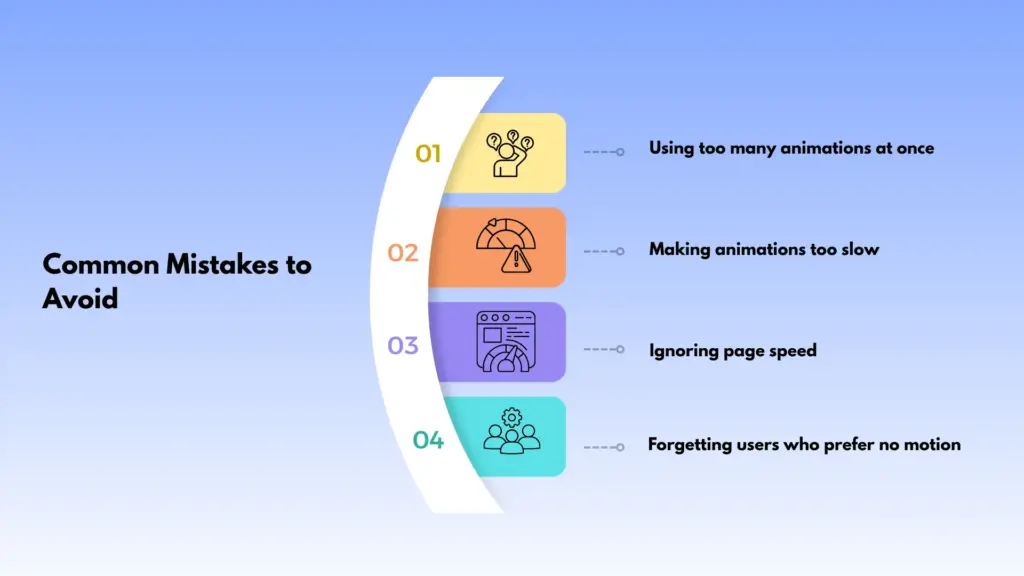
Using too many animations at once
Adding animation to every element may seem exciting, but it quickly becomes distracting. When everything moves at the same time, nothing stands out. Visitors feel confused and do not know where to focus. It is better to animate only the most important parts, such as headlines, images, or call-to-action buttons.
Making animations too slow
Slow animations can frustrate users. A headline that takes several seconds to appear can make visitors lose interest. Keep animations short and smooth so users can see content quickly without waiting.
Ignoring page speed
Animations should not slow down your website. Heavy effects or too many animated elements can increase load time, especially on mobile devices. Always test your site and make sure animations do not affect performance.
Forgetting about users who prefer no motion
Some users are sensitive to motion and may feel uncomfortable with too much movement. It is important to respect browser motion settings and keep animations minimal or optional where possible. This makes your website more accessible and user friendly.
Conclusion
Website animation is one of the simplest things you can do to make a real difference to how your site feels and performs. The benefits of animation on a website are practical, not just visual. Animations grab attention, guide visitors, build trust, and keep people on your page longer.
You do not need to animate everything. A few well-placed movements in the right spots can change how your site is experienced completely.
If your website feels flat or visitors are not staying long, adding some thoughtful animation might be exactly what it needs. Start simple, be intentional, and focus on how each animation helps your visitor, not just how it looks.
FAQs
Do website animations slow down my site?
They can, if they are not done carefully. Lightweight, well-built animations have very little impact on speed. Always test your site’s performance after adding animations and keep file sizes small.
Do I need to know how to code to add animations?
Not at all. There are tools designed for non-developers that let you add animations through a simple visual interface, no coding needed.
Are animations good for SEO?
Animations themselves do not directly improve SEO, but they help visitors stay on your page longer and engage more. These are signals that search engines pay attention to. Just make sure animations do not slow down your page, as page speed is a ranking factor.
What kinds of animations work best for beginners?
Fade-ins, slide-ins, and simple scroll-triggered effects are the easiest to start with. They are subtle, effective, and look great on almost any type of website.

Leave a Reply